Build your professional website without coding
ConstruQthor is the WaaS platform for landing pages, shops and professional websites. No code, a visual builder and business modules.
- Business modules
- 17Business modules
- Design variants
- 106Design variants
- Ready-made sections
- 49Ready-made sections
All of this is included, not sold as add-ons
- QR codes
- Analytics
- AI assistant
- Scheduling
- Shop
- Blog
- Courses
- Memberships
- Testimonials
- Donations
- Newsletter
- Coupons
- Events
- Podcast
- Downloads
- CRM
- Component library
Website as a Service
Seventeen modules, one single platform
Your shop, your calendar, your courses and your newsletter share the same customers, the same dashboard and the same invoice.
- QR codesAvailableDynamic: change where an already printed poster leads and count every scan.
- AnalyticsAvailablePage views, clicks and a heat map. Without a tracking cookie.
- AI assistantAvailableIt answers with your real data. A price is never written by the model.
- SchedulingAvailableOpening hours, services and slots worked out, with a feed for your calendar.
- ShopAvailableProducts, variants, stock and tax. Every order keeps its own copy.
- BlogAvailableArticles written with the same visual editor as your pages.
- CoursesAvailableLessons, materials and a classroom per student, each with its own link.
- MembershipsAvailableMonthly or yearly fees, and the status is derived from what is paid.
- TestimonialsAvailableReviews go through your approval before they reach the internet.
- DonationsAvailableCampaigns with a goal and a progress bar, added up from what you confirm.
- NewsletterAvailableDouble opt-in, batched sending and one-click unsubscribe in every email.
- CouponsAvailablePercentage, amount or free shipping, with a use limit and an expiry date.
- EventsAvailableCapacity, QR tickets and a door mode that works with no signal.
- PodcastAvailableA standard RSS feed: Apple and Spotify read it. Downloads measured.
- DownloadsAvailableFiles sold once, with a download link that never expires.
- CRMAvailableA pipeline by stage, with its history and the reason for every lost deal.
- Component libraryAvailableSave a composition of blocks and reuse it wherever you want.
All of them exist and are managed from the dashboard. Their blocks for the public website arrive in steps, and this page will always say which ones are there.
This is the product
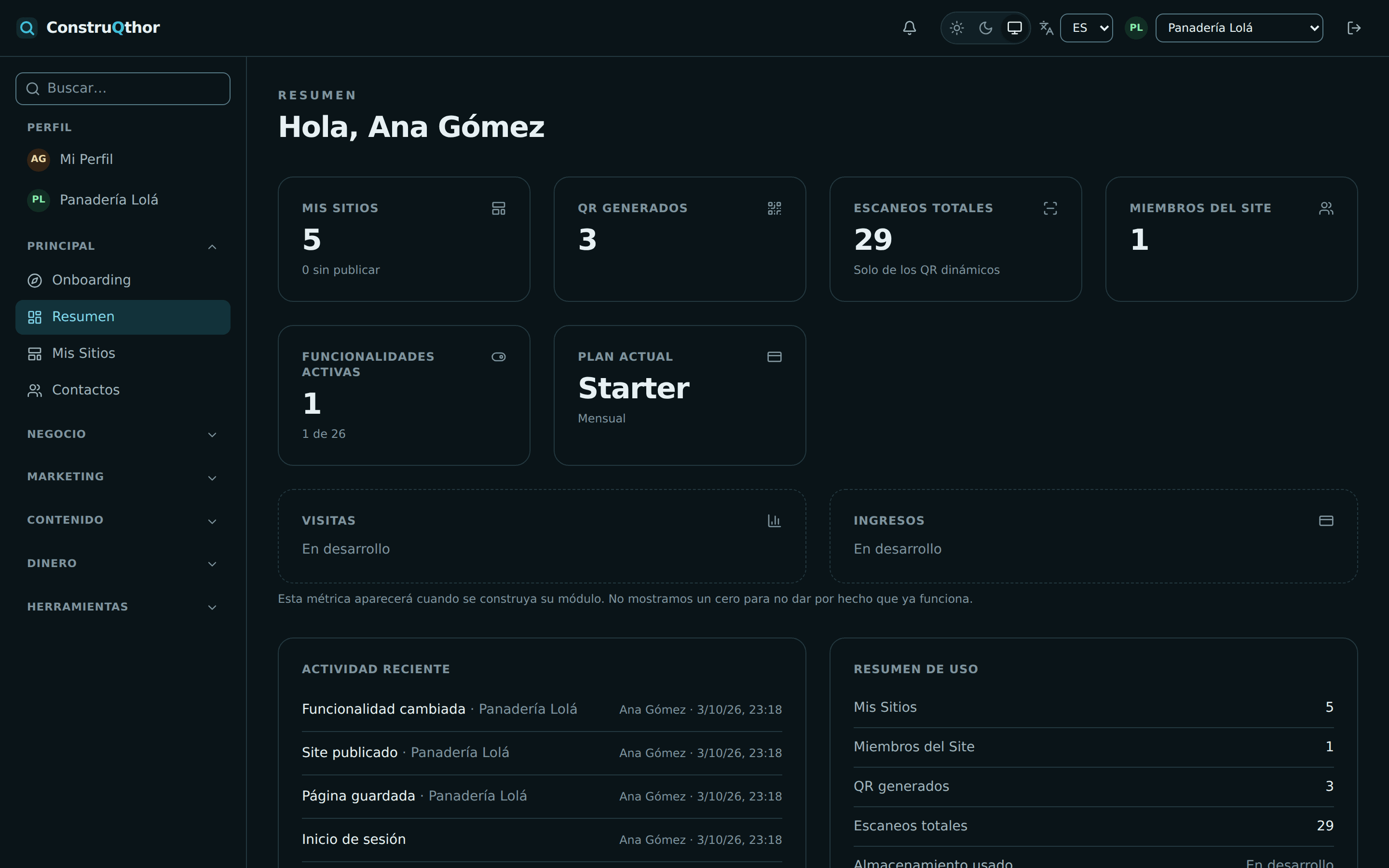
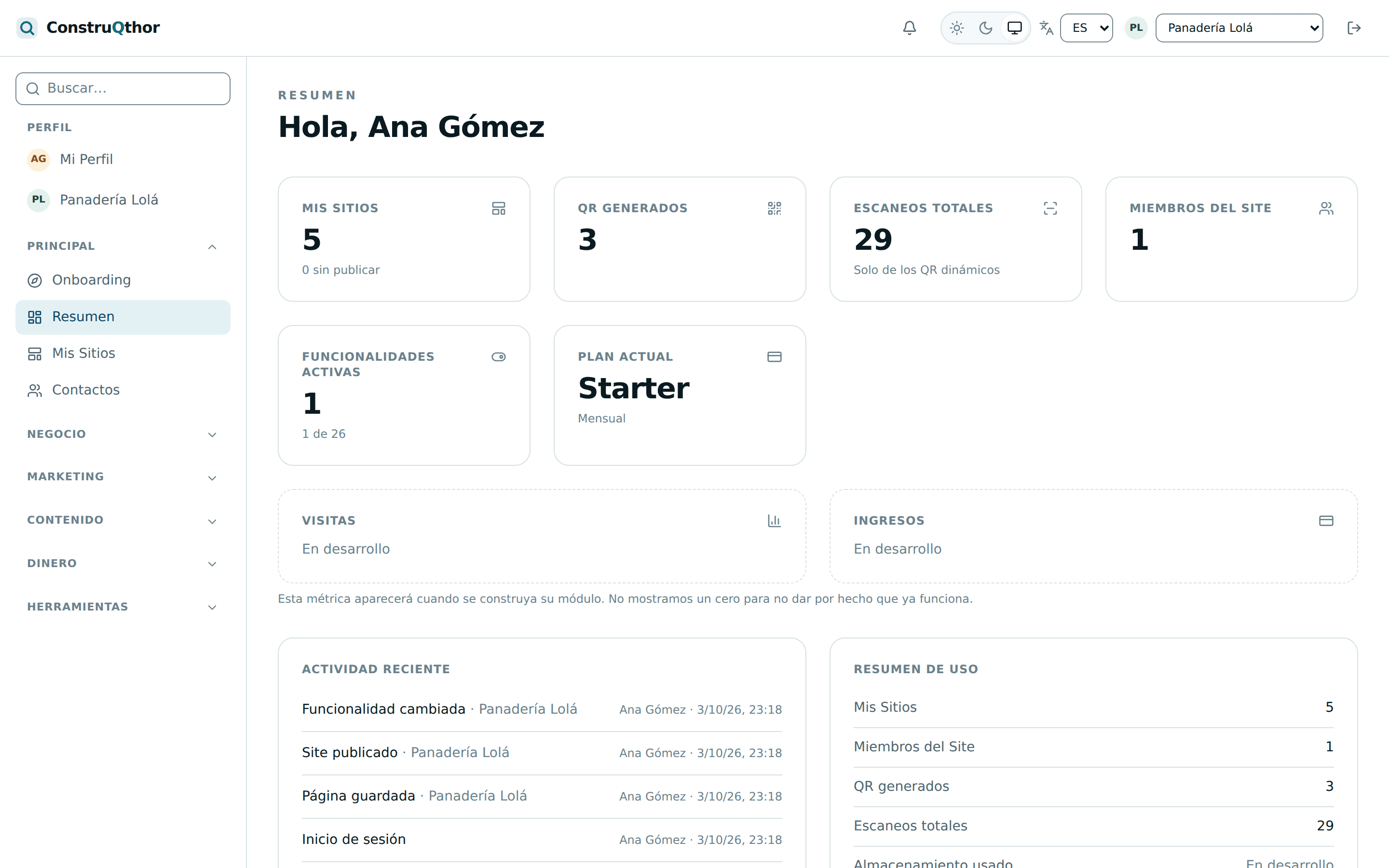
No filler videos: the actual screens you will work with, as they are today.
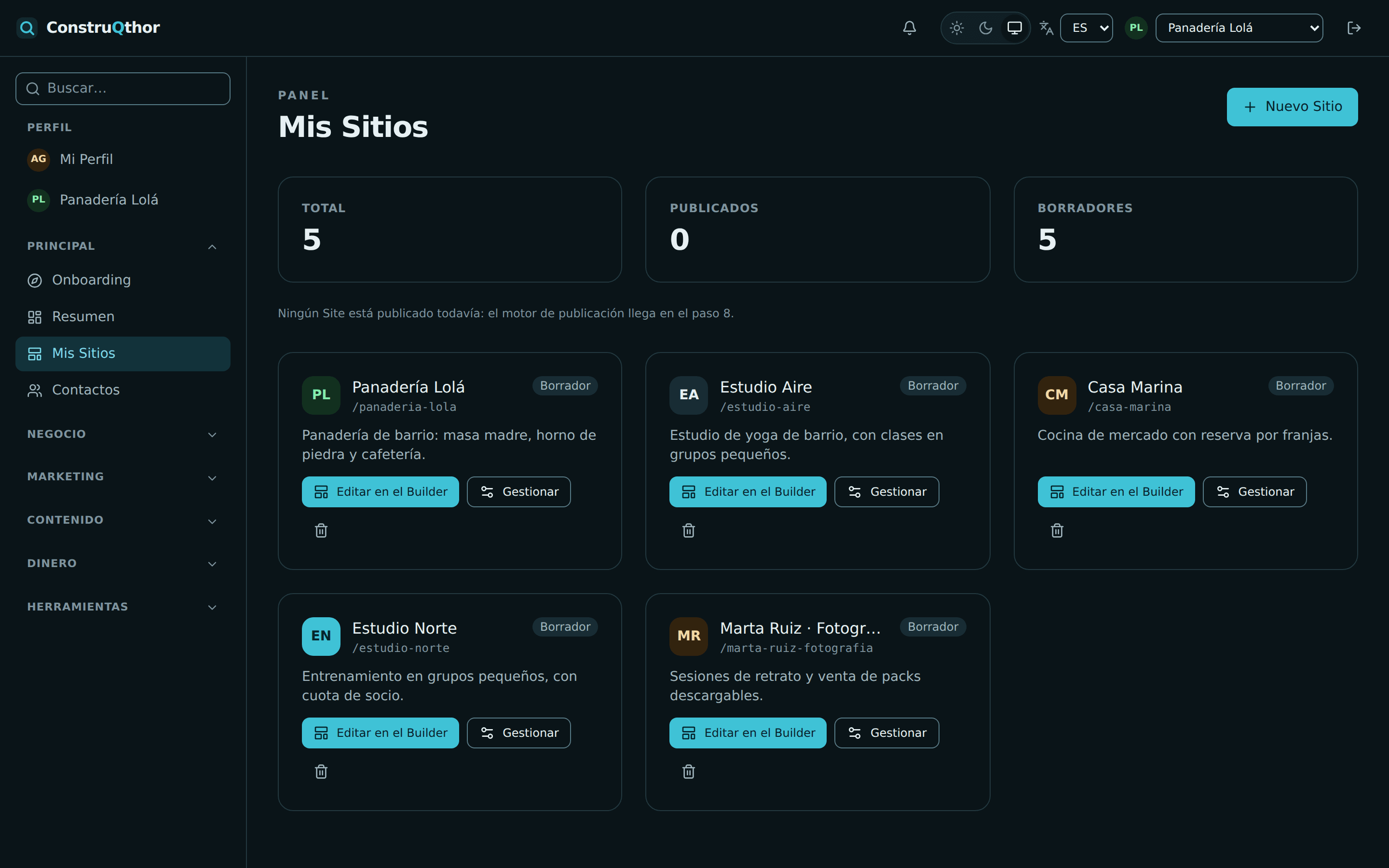
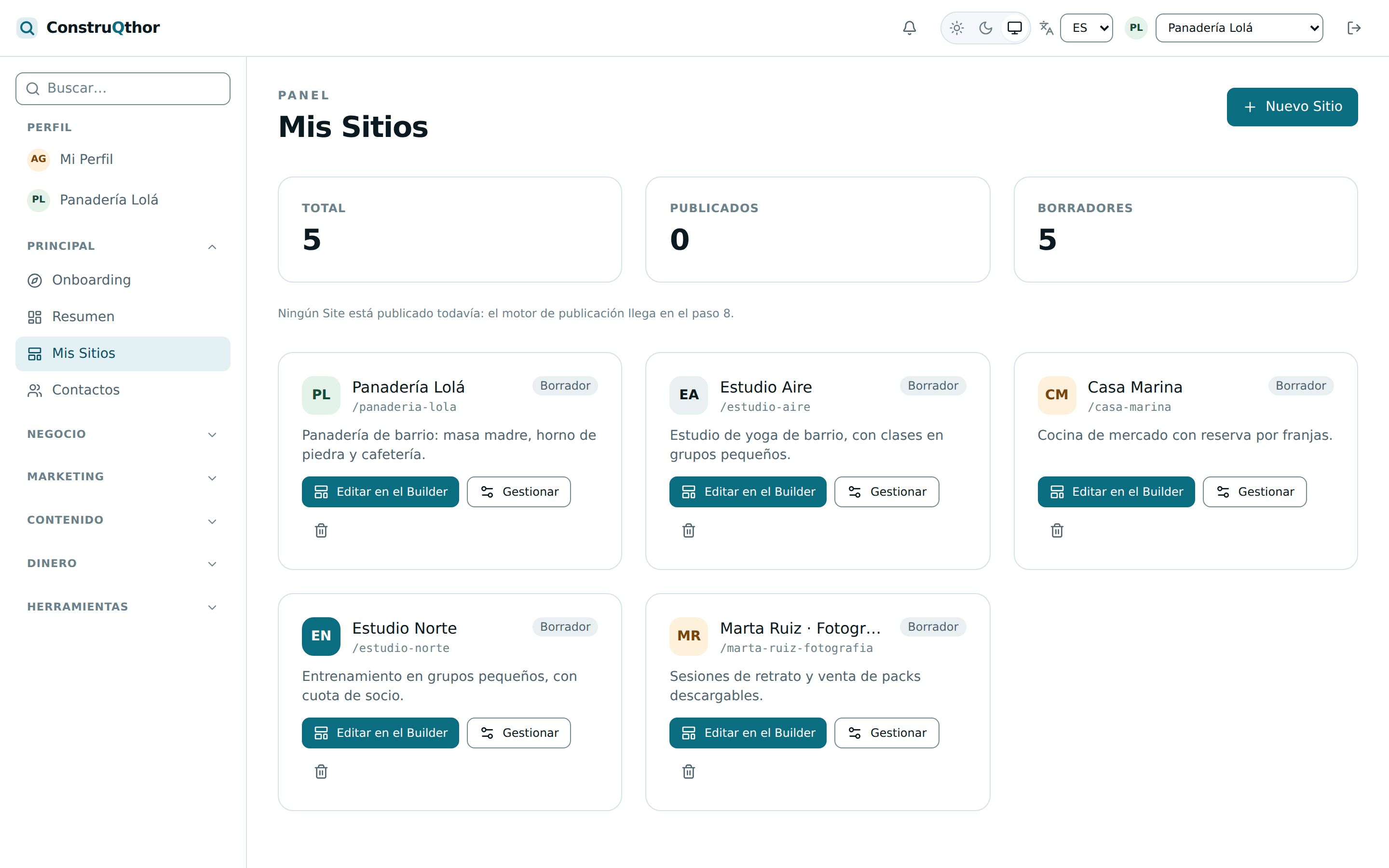
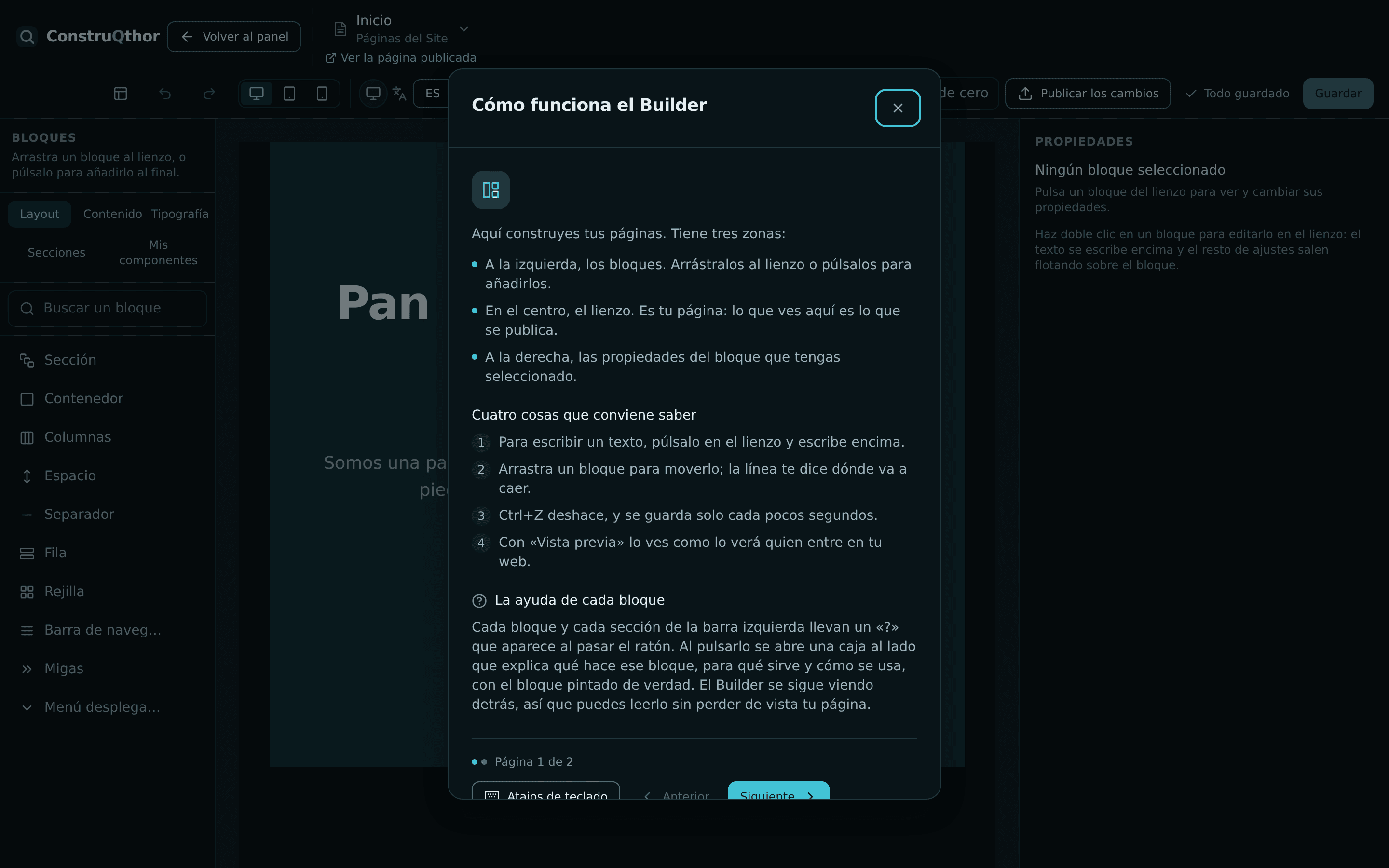
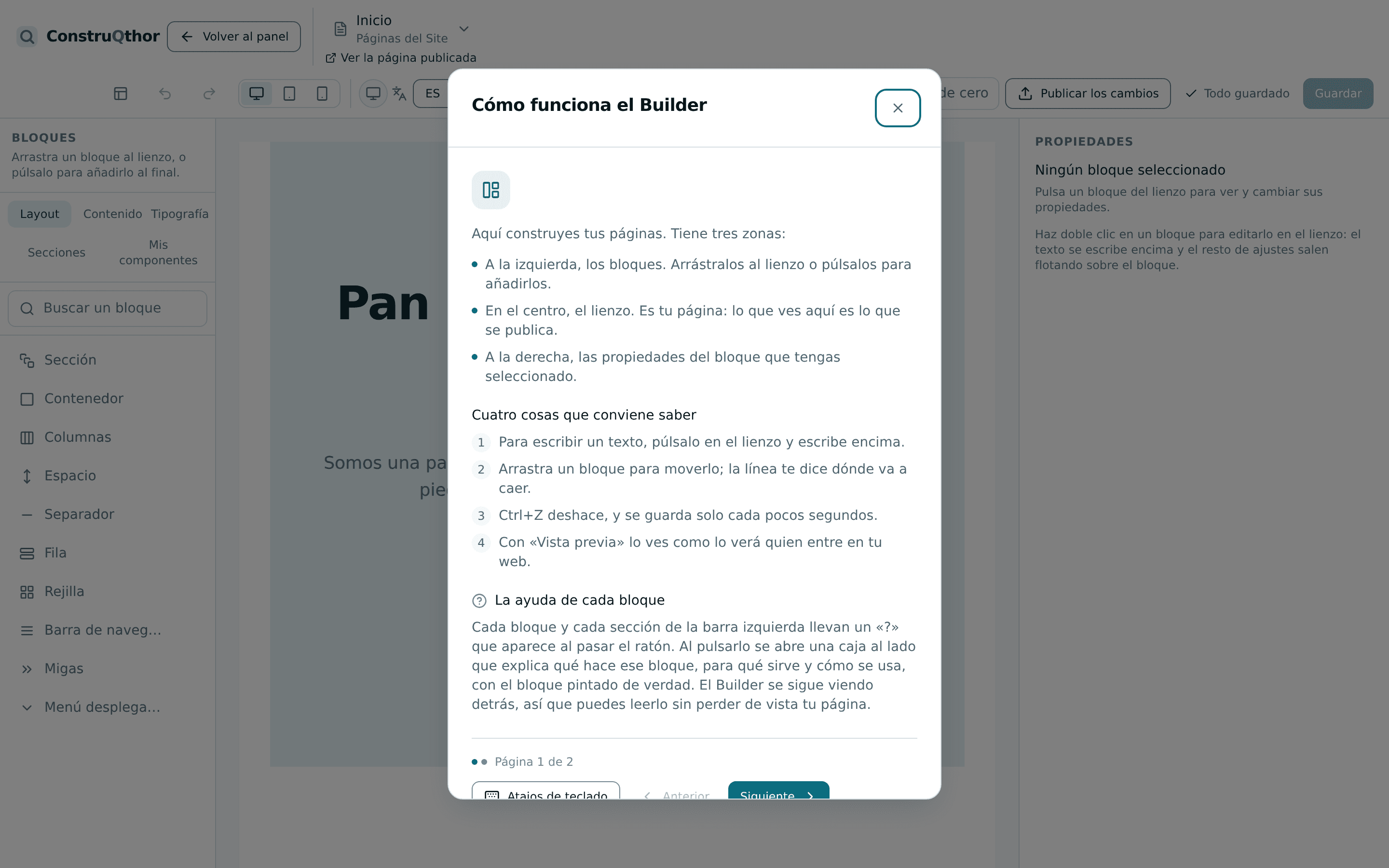
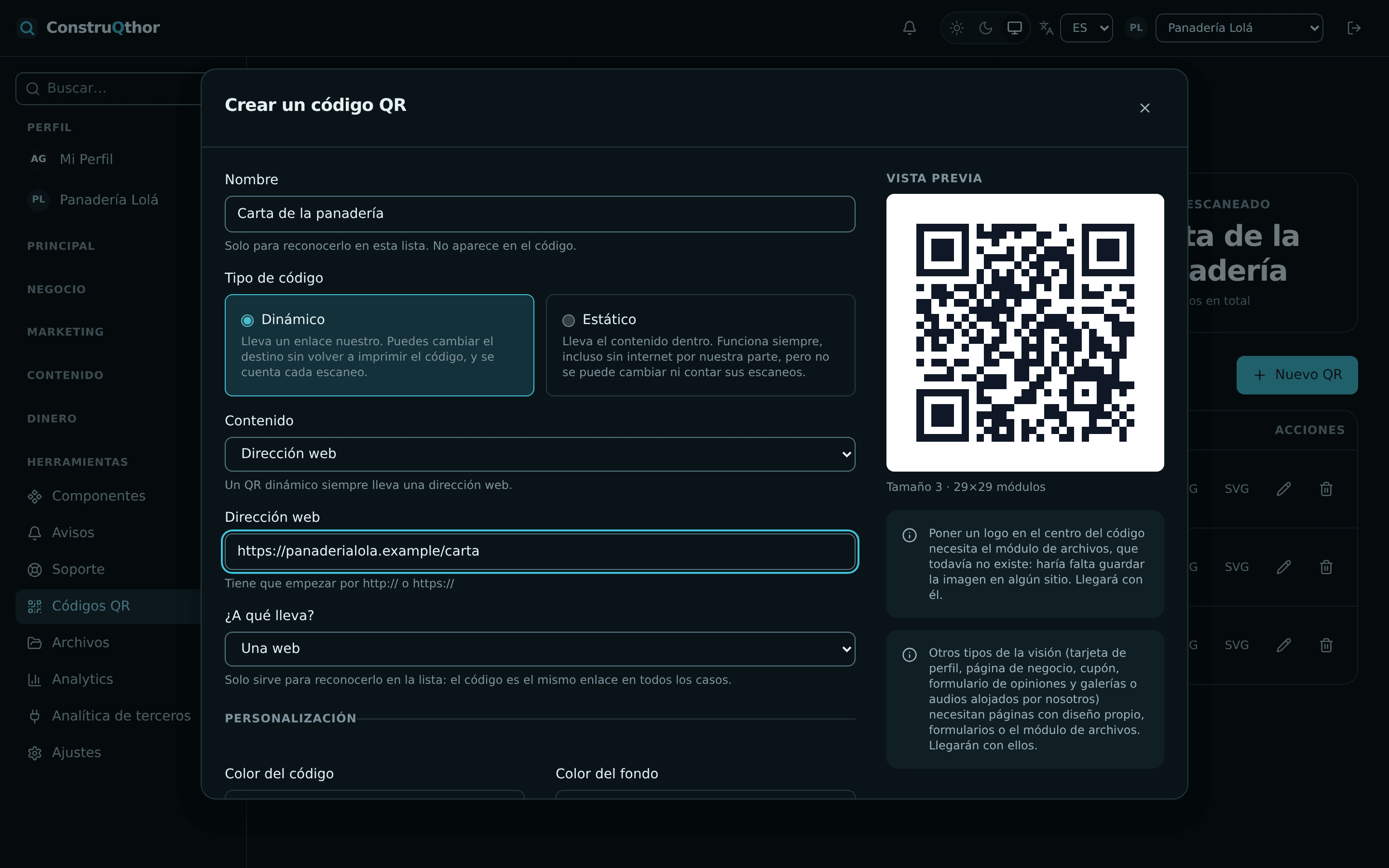
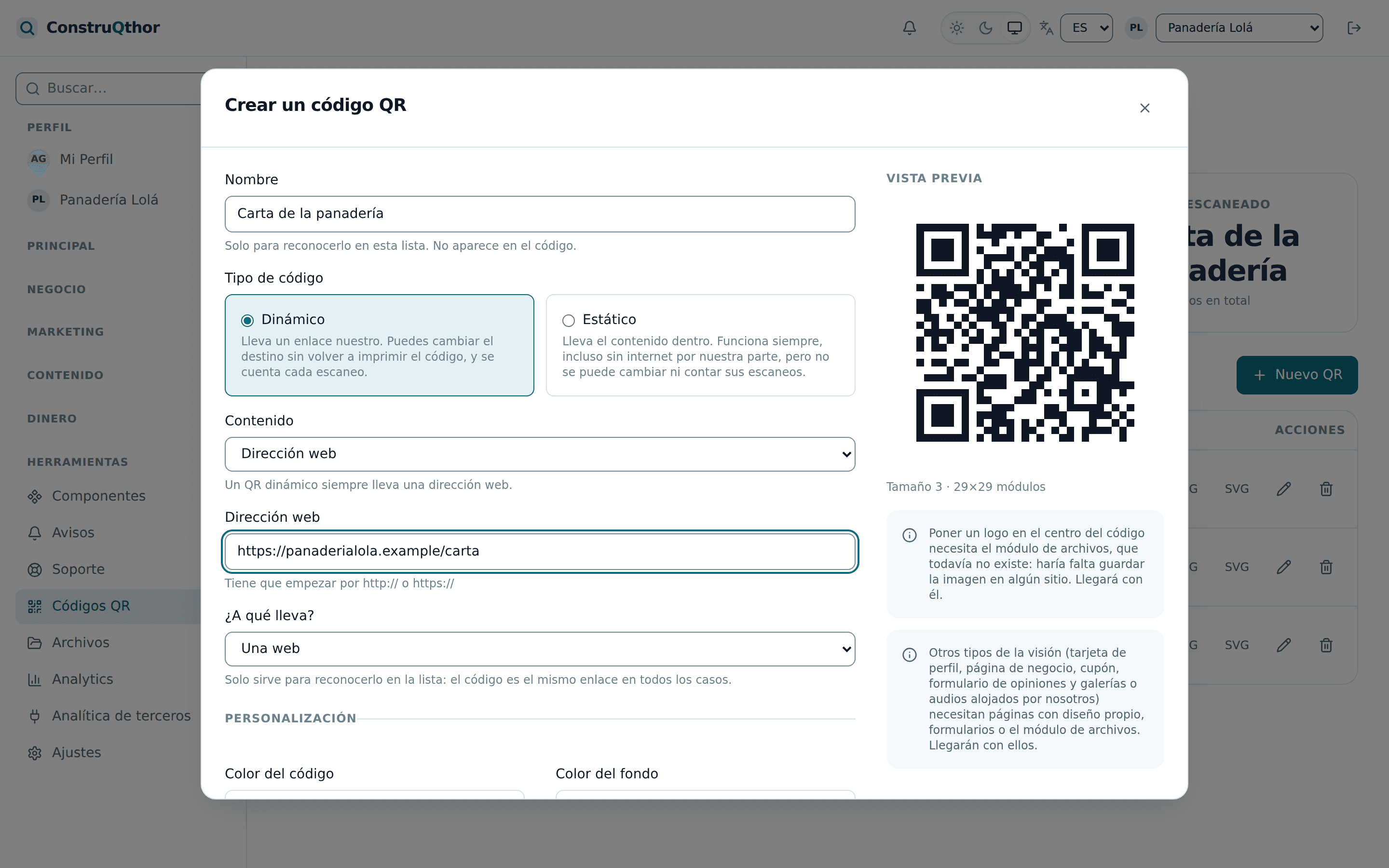
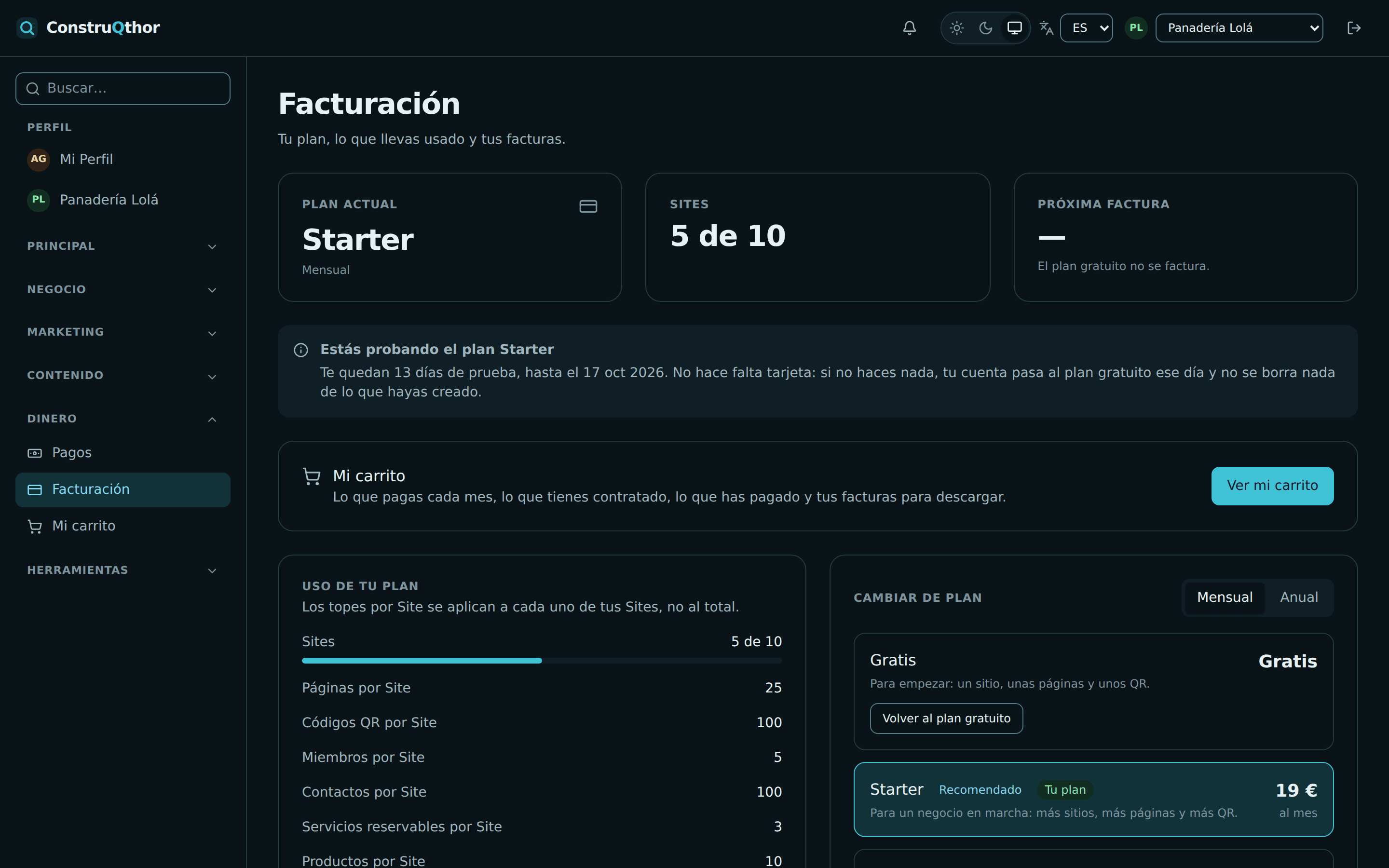
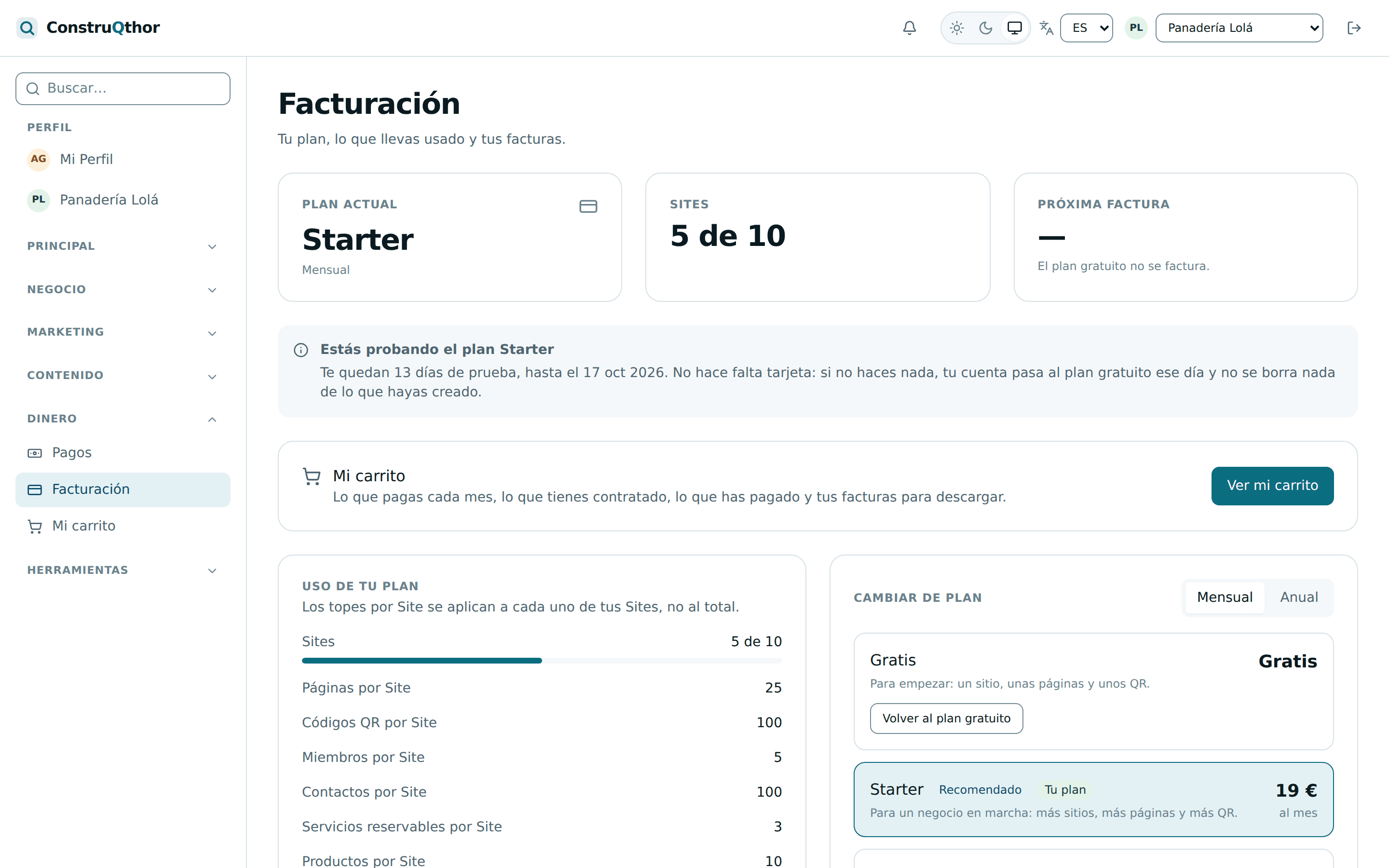
The screenshots use demo data (a neighbourhood bakery), not data from real customers.
Inside the builder
Drag blocks and see the result straight away. Properties are closed lists, so there is no way to break the design or leave a page unreadable.
Click a screen to bring it to the front, or move with the dots and arrows.
You can see the difference
The same page, the same words and the same photos. The only thing that changes is the ready-made sections and the design layers.
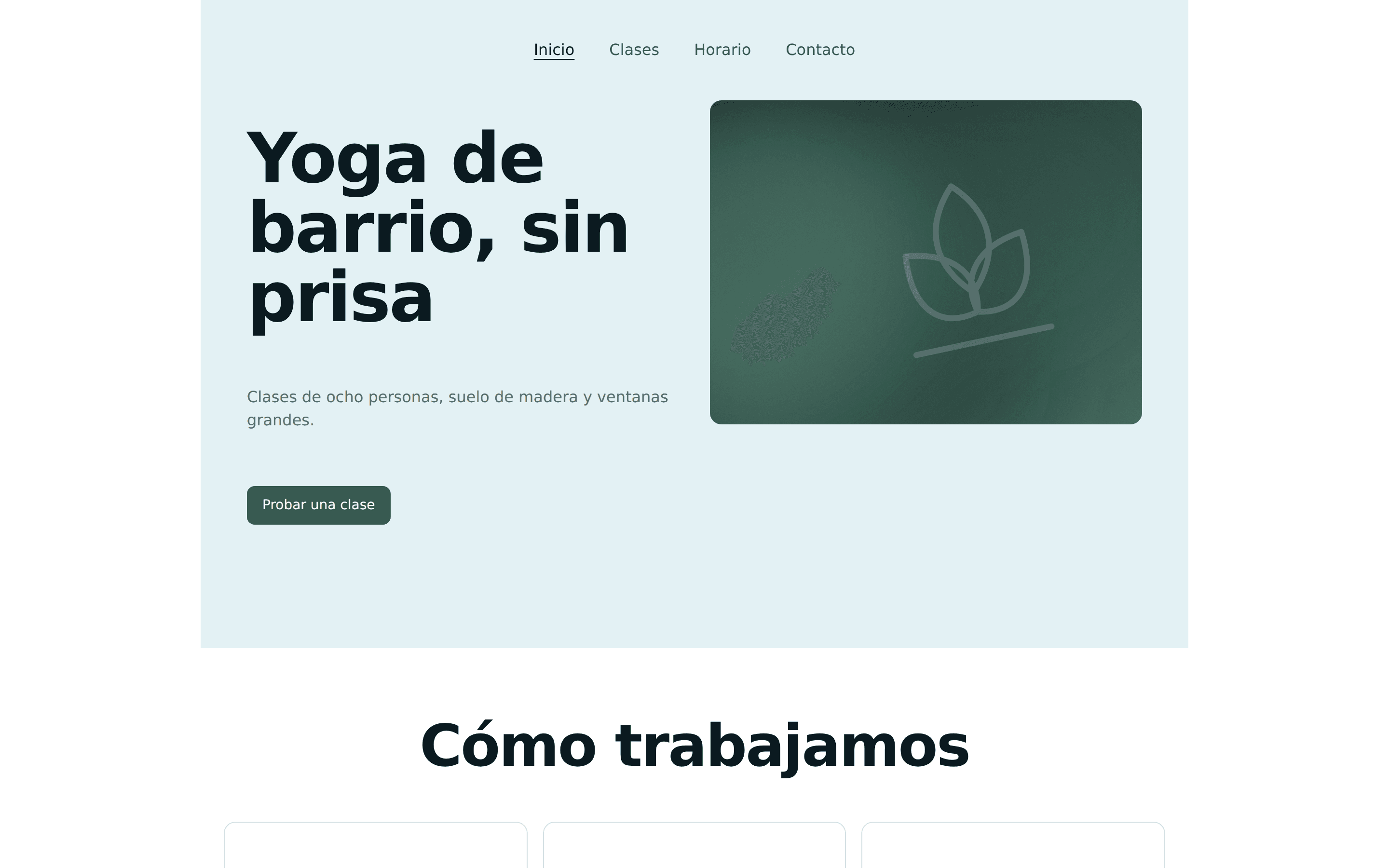 With the builder
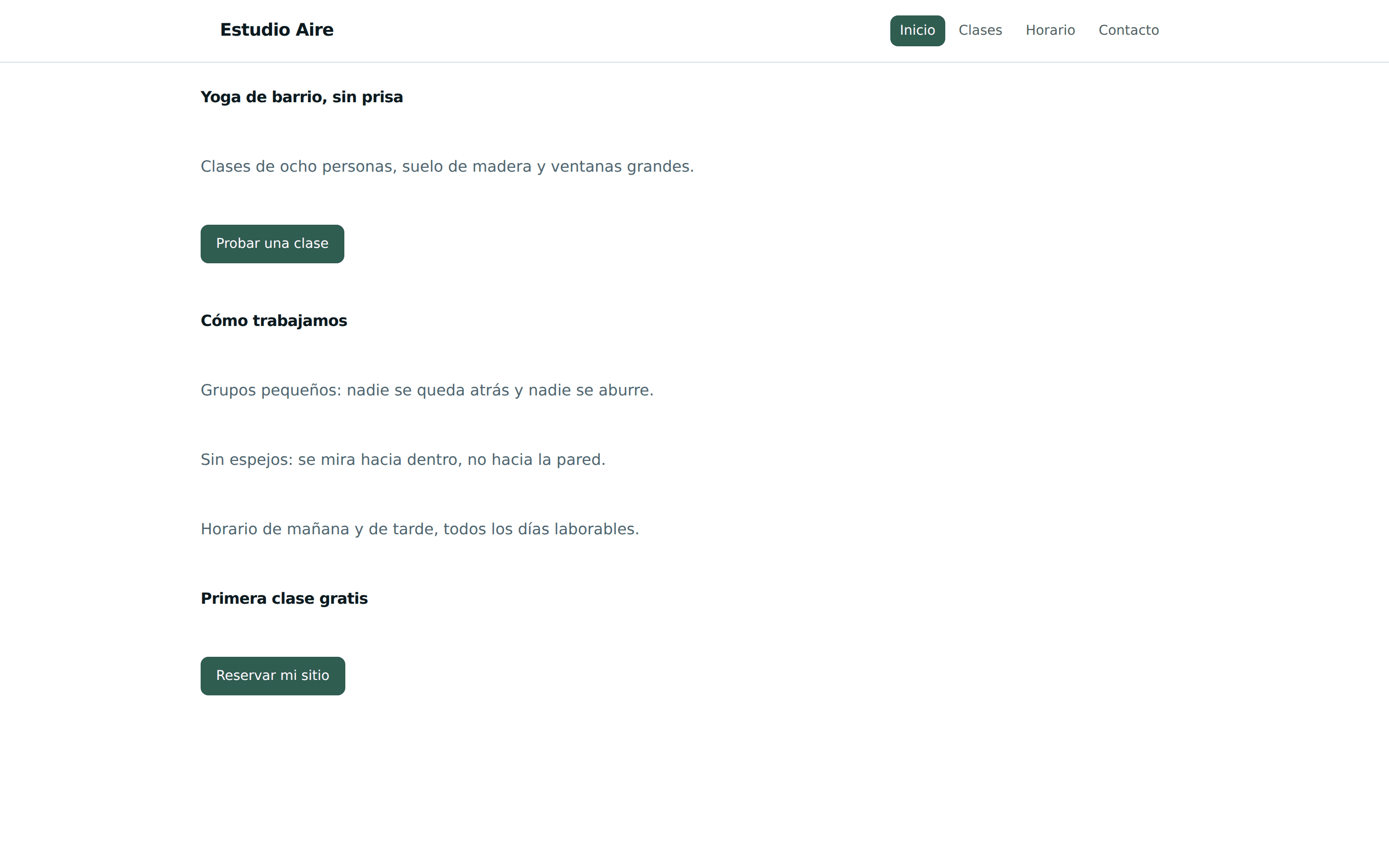 Undesigned
Drag anywhere on the image to compare, or use the arrow keys.
Everything you need to be online
Our own engine for each job. No dependency on third-party services for what matters.
Drag-and-drop visual builder
Ten blocks that combine: sections, columns, text, images, buttons and video. No code, and no way to break the design.
Dynamic QR codes with analytics
Change where an already printed QR points to, and count every scan. Static ones for what never changes (wifi, vCard, event) and dynamic ones for campaigns.
Business modules
The platform is built to grow module by module (courses, products, bookings, CRM). The QR and payment engines are live today; the rest arrive step by step, and this page will always say which ones exist.
Multi-language out of the box
Spanish, English, Dutch, Portuguese, French, German and Italian across the whole platform, with the language in the URL. Ready for the eleven languages in the catalogue.
Light and dark themes
Both themes work on every screen, with verified contrast. Including the one that follows your operating system.
Publishing with subdomains and history
Publishing stores an immutable copy of your Site: editing the draft does not change what is live, and rolling back to an earlier version is one click.
How it works
Three steps and you are online.
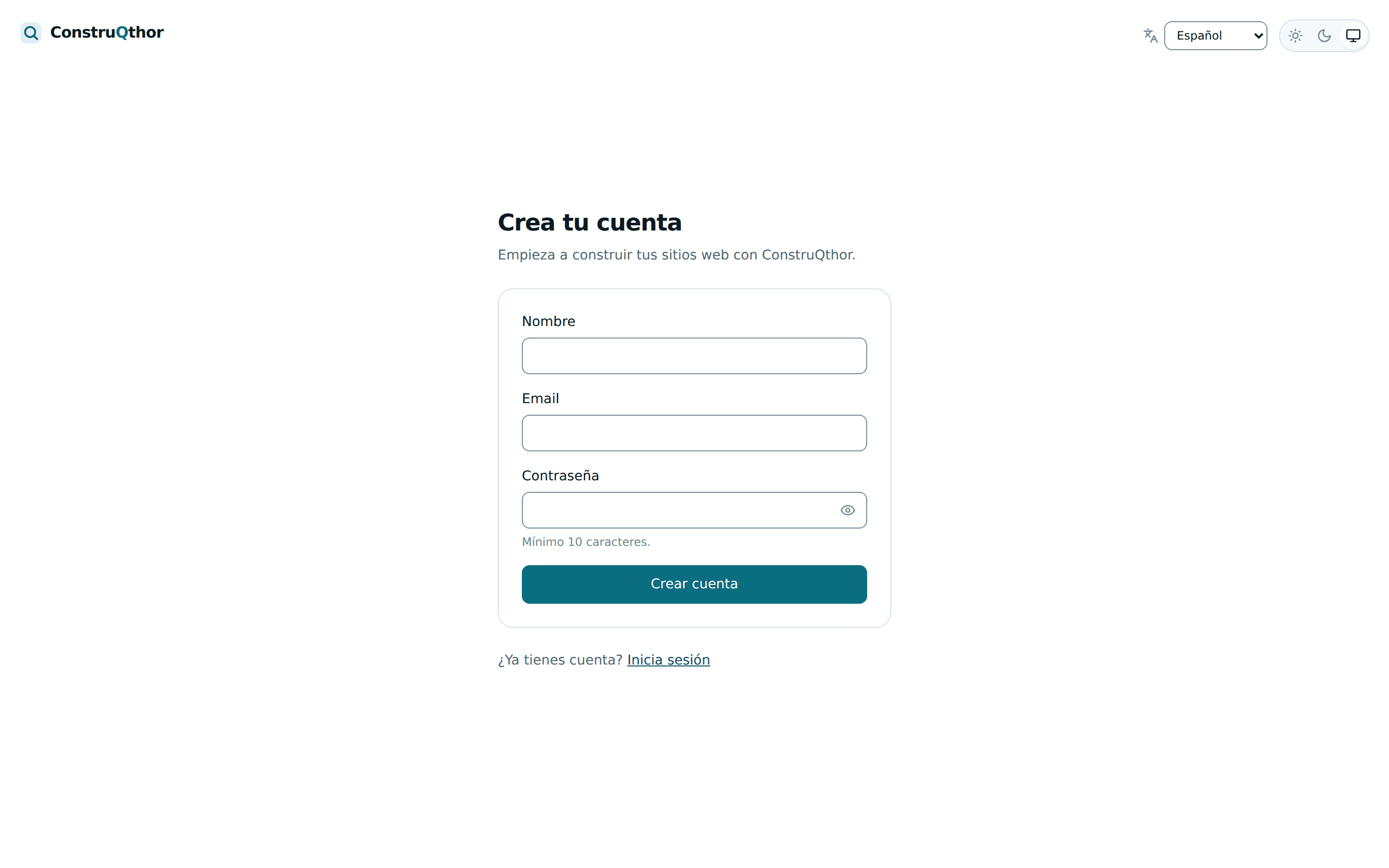
- 1
Sign up for free
An email and a password, no card. You start with 14 days of the Starter plan and everything unlocked; after that, the free plan never expires.
- 2
Build your Site
Drag blocks, write your copy and adjust how it looks on phone, tablet and desktop.
- 3
Publish and share
Your Site goes live with its own address, and you can print a QR code that leads to it.
It works for your business
These are not locked templates: they are Sites built with the very same blocks you will use.
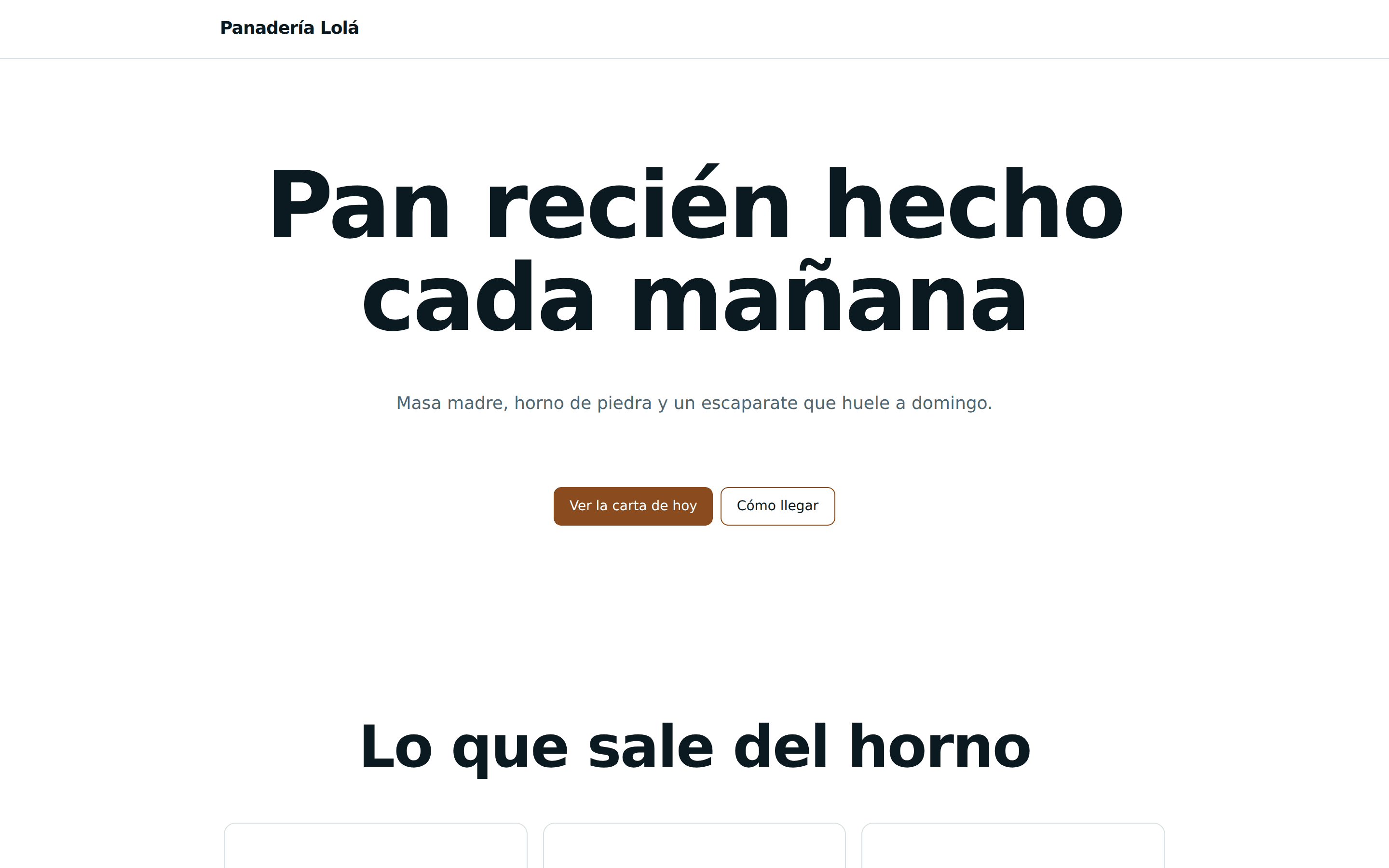
Bakery
Menu of the day, opening hours and a QR on the counter that leads to orders.
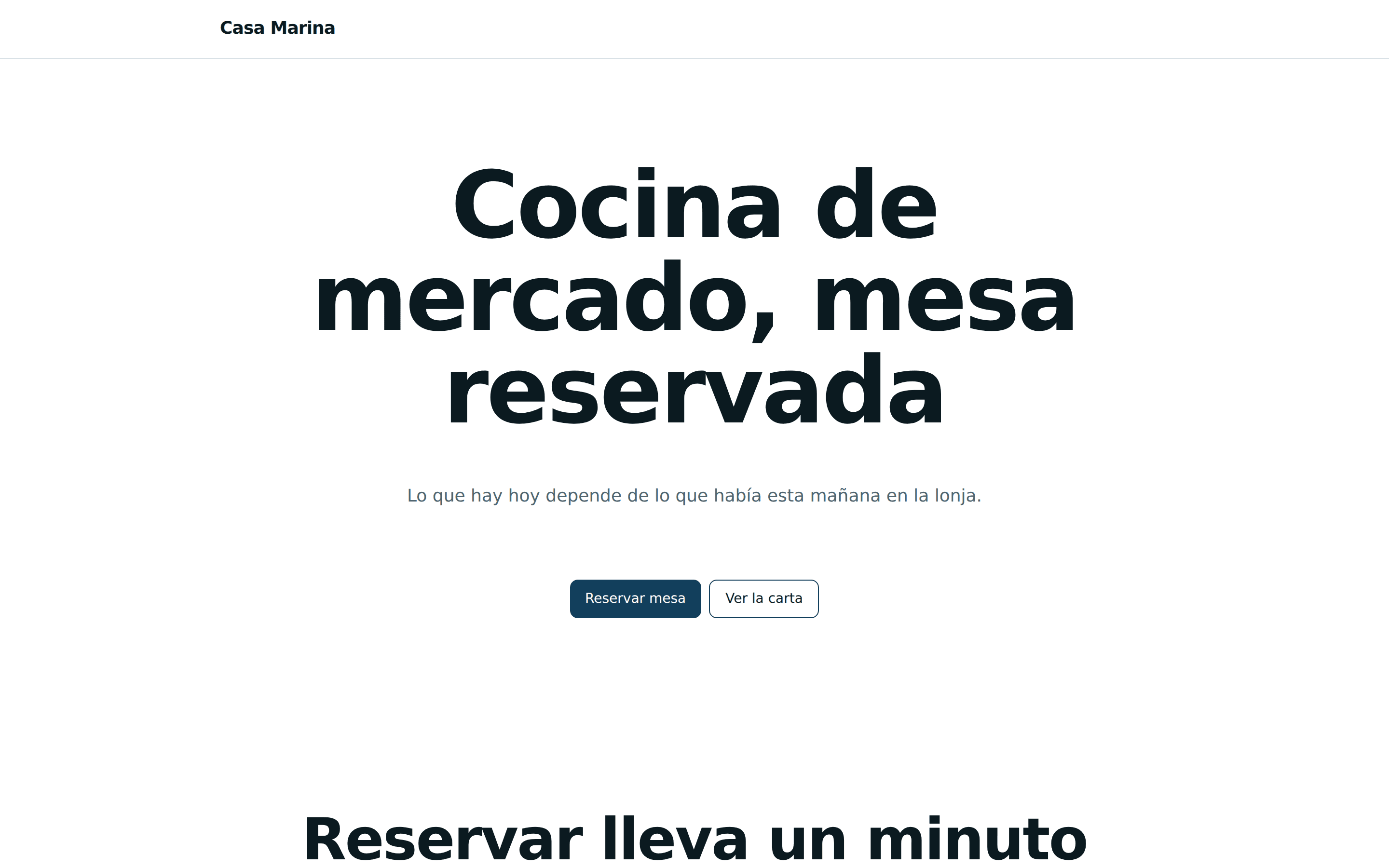
Restaurant
Bookings by time slot, a menu with photos and email notices on confirmation.
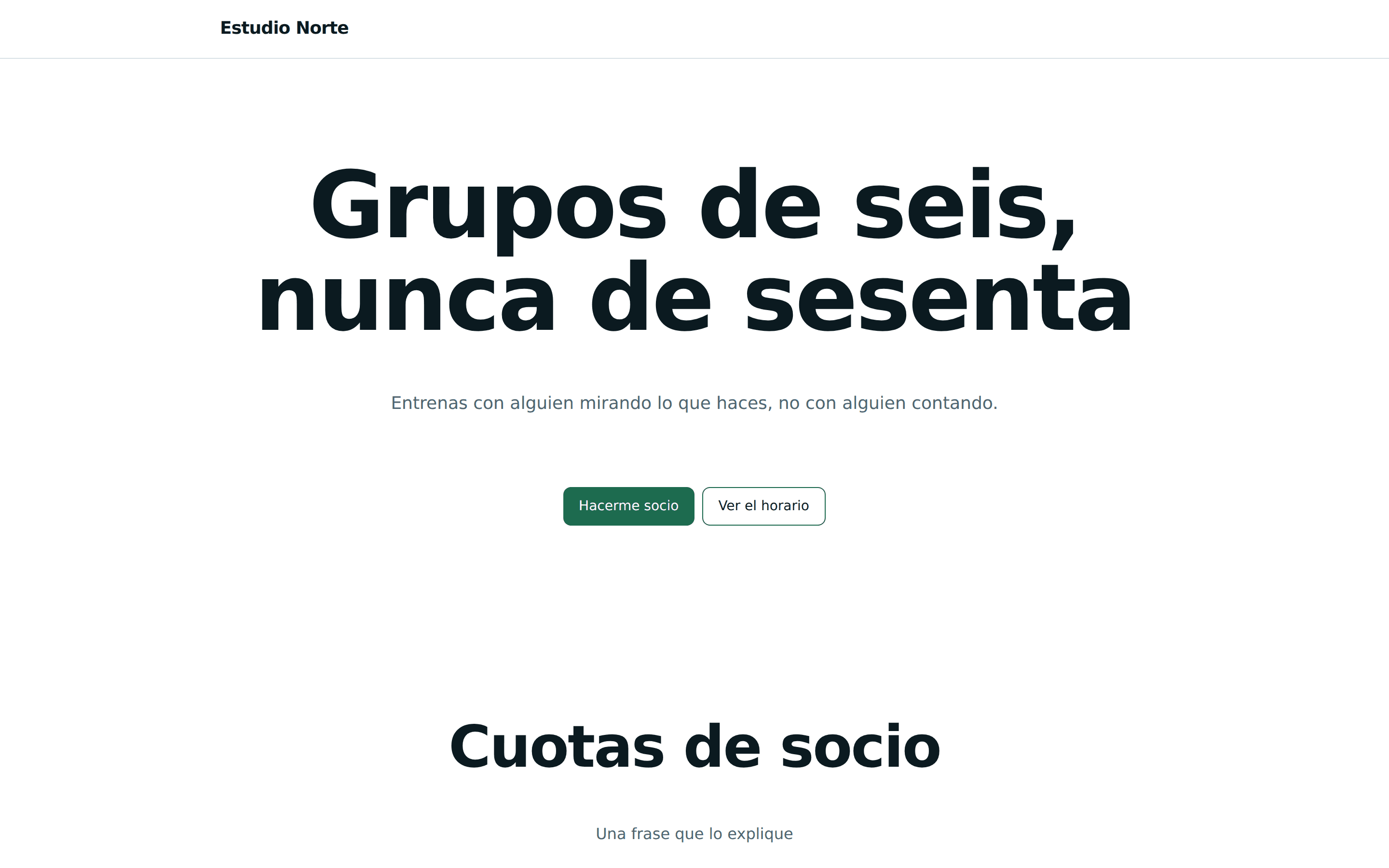
Gym
Membership fees, a class timetable and payments marked from the dashboard.
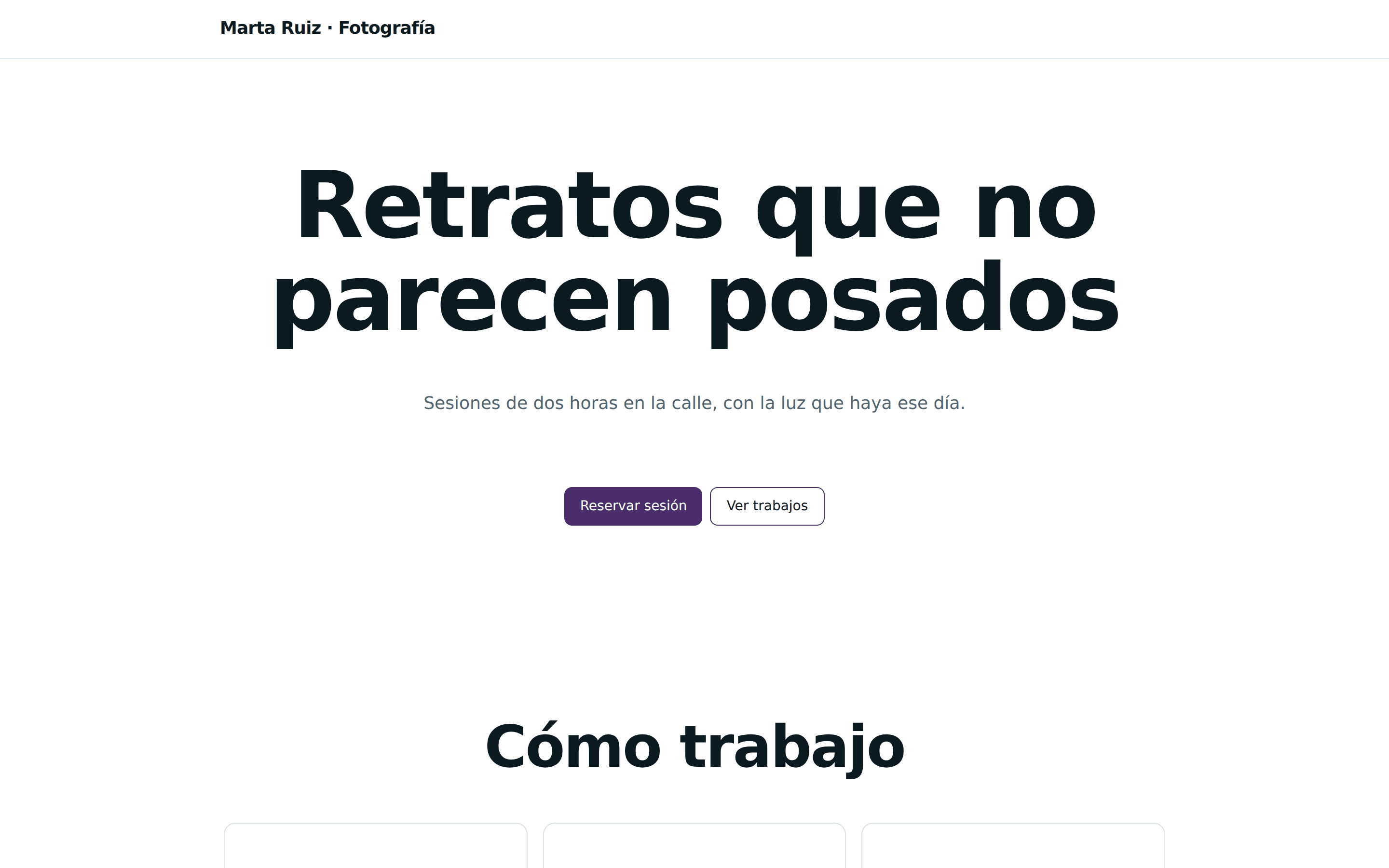
Photographer
A cover flow gallery, bookable sessions and downloadable packs for sale.
All four are demo Sites built with the builder, not real customers.
Clear pricing
Start for free and move up when you need to. Prices come from the platform catalogue, so they are the ones actually charged.
Frequently asked questions
And if yours is missing, just write to us.
Do I need to know how to code?
No. The builder is visual: you drag blocks and write the text. Properties are fixed options, so the design cannot be broken or left unreadable.
Can I use my own domain?
Paid plans include it. Today every published Site gets its address inside the platform; connecting your own domain needs ownership verification and its own certificate, and arrives with the first production release.
Is there a free trial?
Both: there is a free plan forever with very low limits, and a 14-day trial of the Starter plan with no card. Signing up starts the trial with everything unlocked; after 14 days, if you do nothing, your account moves to the free plan and nothing you have created is deleted. Every plan’s limits are on the pricing page.
What does the free plan include?
One Site with three pages and one QR code, with its address inside the platform and a “Published with ConstruQthor” line in the footer. It does not include the business modules — shop, bookings, courses, memberships and the rest — and if you used them during the trial nothing is deleted: they stay locked until you take a plan that includes them.
Can I cancel any time?
Yes, from your own dashboard and without calling anyone. The plan stays active until the period you already paid for ends, and then the account moves to the free plan: whatever you created is kept.
Which languages is it available in?
Spanish, English, Dutch, Portuguese, French, German and Italian, across the platform and in the emails too. The catalogue has four more ready to be switched on.
How do I contact support?
From your dashboard, under Support: you open a conversation and we notify you when we reply. People answer. And if what you found is a platform bug, there is a «Report a problem» button that goes straight to whoever fixes it.
What happens to my website if I stop paying?
It gets paused and nothing is deleted. Not a page, not an image, not an order, not a contact: your dashboard stays open and the only change is that visitors see a page saying it is not available. As soon as the payment arrives, everything comes back on its own.
Can I charge my customers from my website?
Yes, and the money goes to your account, not ours: ConstruQthor does not process cards. You connect your own gateway, or you put your own payment link — a transfer, a Bizum — and mark the payments as they arrive. They are two separate pots of money and they never mix.
Is my data mine? Can I take it with me?
Yes. Contacts, bookings, orders and donations export to CSV from their own screen, and the export carries every row matching the filter, not just the page you are looking at. There is nothing to request by email.
Can it be used without cookies?
The analytics built into the platform sets none, so your website does not need a cookie banner for what we measure. If you connect Google Analytics or Meta Pixel then it does, and in that case the platform shows the banner for you and the cookie page writes itself from whatever you have connected.
What happens if I delete a file that is on a published page?
The published page stays as it was until you publish again, because publishing is copying. Before deleting we tell you where that file is used — and we also tell you that finding nothing does not guarantee it is unused.
Does the website work on mobile and in dark mode?
Both from day one, and not as an add-on: every block can be tuned for desktop, tablet and mobile, and the colours come from a palette that meets contrast in both light and dark. If you pick a custom colour that cannot be read, we say so.